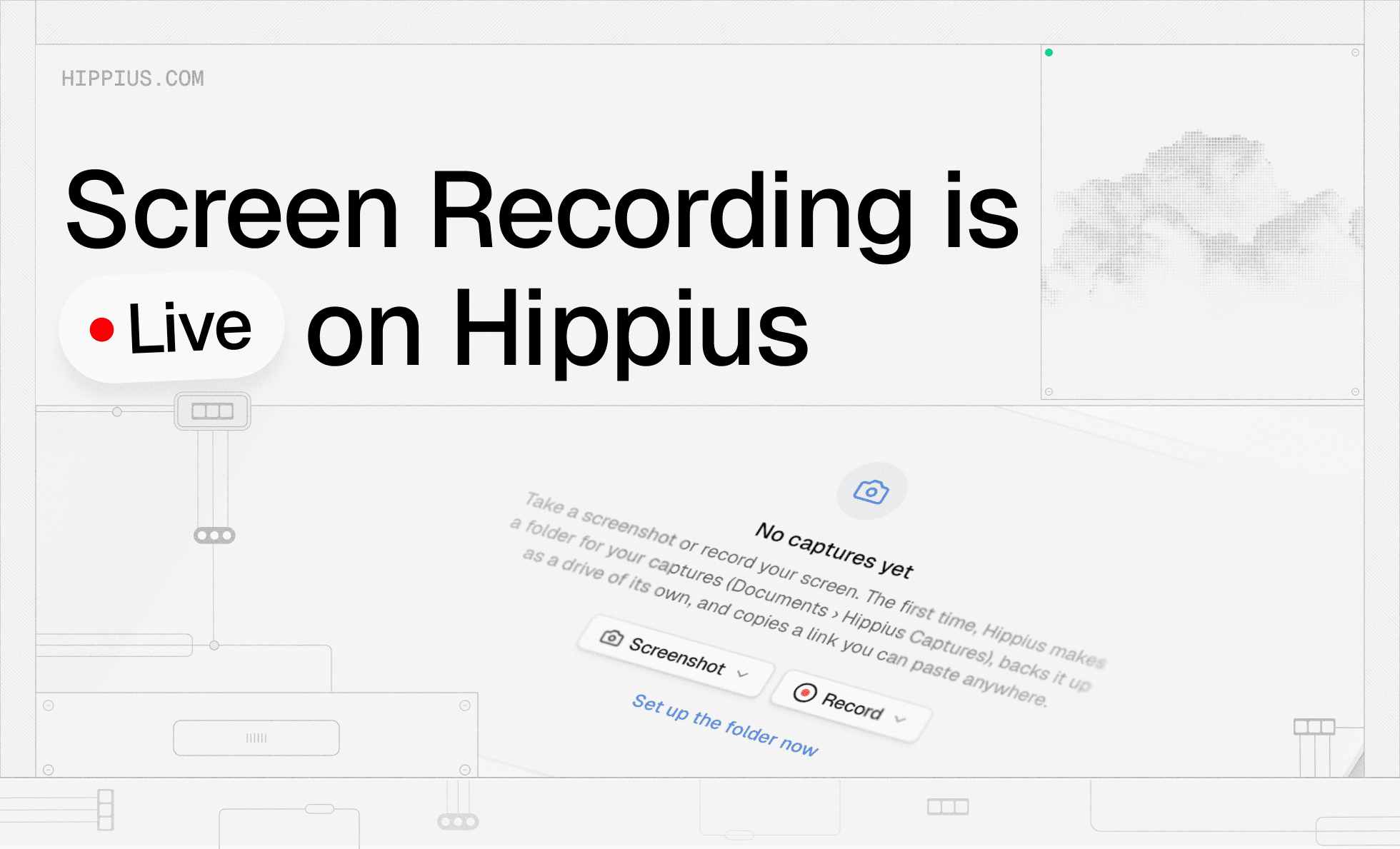
Hippius now has a built-in encrypted screen recorder. Take a screenshot or record your screen, your microphone, and the sound coming from your computer, and the file lands in your Hippius Drive, encrypted on your device before it goes anywhere. It's available today in the web console and in the desktop app on Mac, Windows and Linux.
Quick screen videos have become a normal part of work. Business users at Loom alone were recording almost 5 million videos a month by the end of 2023, and each one is a file that shows exactly what was on someone's screen. Below, we'll walk through what's included, how recording and sharing work, and why it matters where those files end up.
What can you capture with Hippius?
The short answer is screenshots and screen recordings, with or without sound. You choose what goes into the frame: a selected area, a single window, or your full screen. Recordings can include your microphone, your system audio, or both, so a walkthrough can carry your narration and the sound from the app you're demonstrating at the same time.
If you want your face in the video, there's a camera bubble you can move and resize anywhere on screen. For a quick message where the screen doesn't matter, you can record with the camera only.
Video goes up to 4K, which makes Hippius a capable 4K screen recorder for detailed work like design reviews or code walkthroughs, where small text needs to stay readable. You can record straight from the web console in your browser, or install the desktop app for a screen recorder for Mac, Windows and Linux that sits on your computer. Either way, captures end up in the same Drive.
Why should screen recordings be encrypted?
Think about what's usually visible during a screen recording. An inbox in the background, a customer's name in a dashboard, a notification that pops up halfway through, a browser tab you forgot to close. Screenshots and recordings often capture sensitive information, and once they're saved, they're files like any other. They sit on a server somewhere, and the question is who can open them.
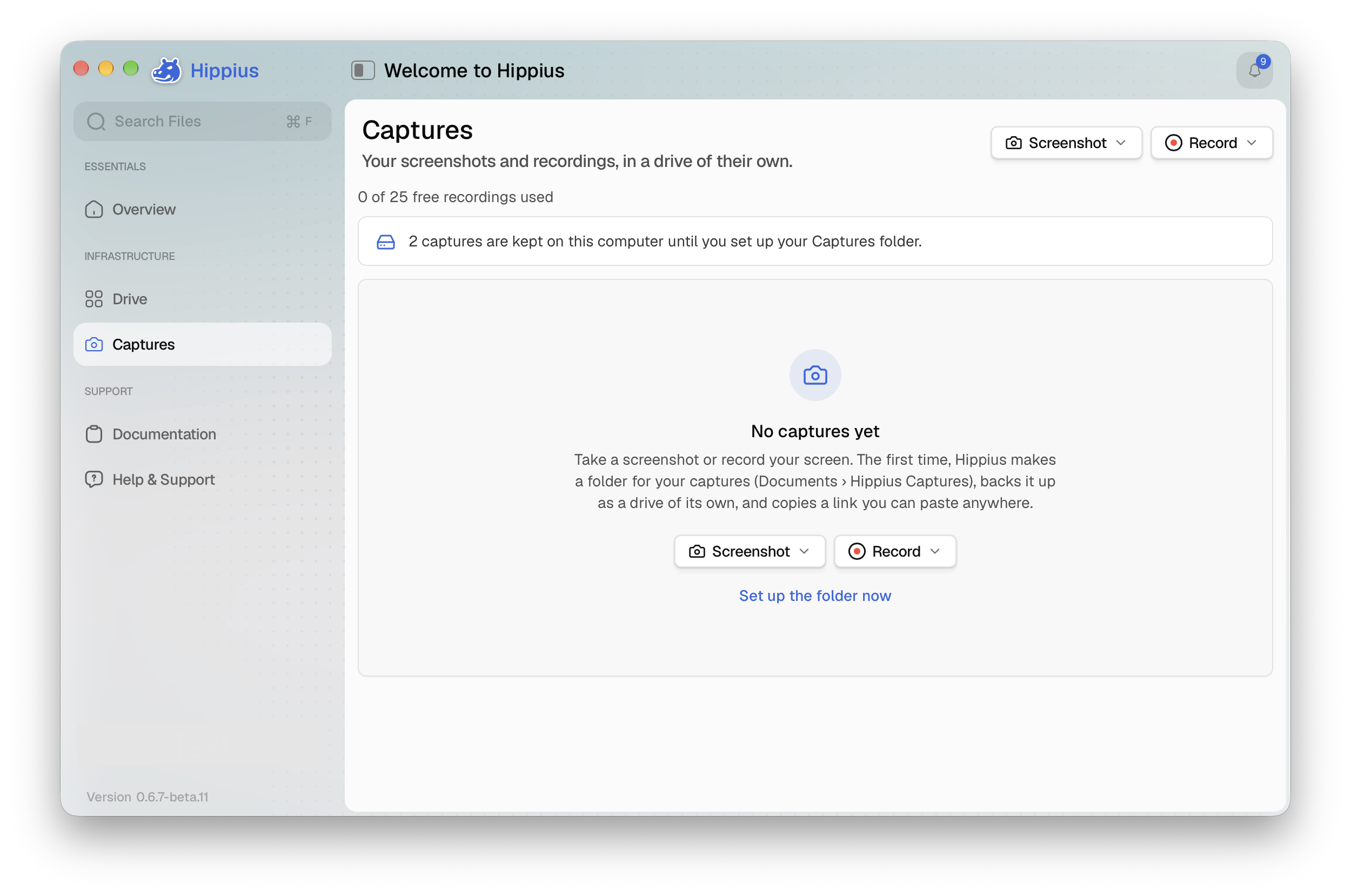
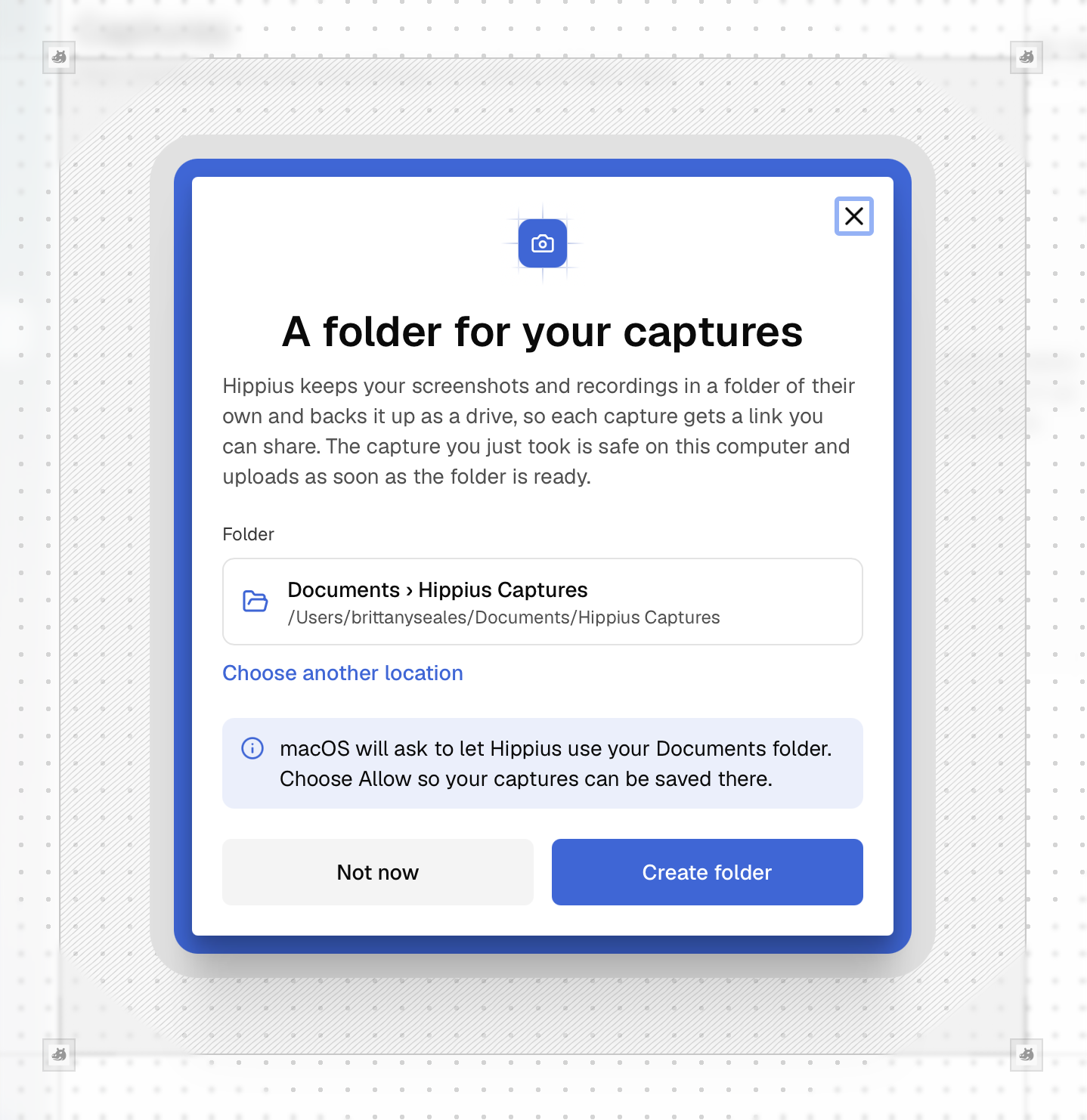
On Hippius, every capture is saved to a Captures folder in your Drive and encrypted on your device, exactly like any other Drive file. That's end-to-end encryption: the file is locked before it leaves your computer, and only you hold the key to unlock it. Hippius stores your recordings, but can't watch them.
This is the same model behind the password Drive asks you for, which we explain in more detail in Zero-Knowledge Encryption: Why Drive Asks for a Password. Your recordings don't get a separate, weaker set of rules because they came from a capture tool rather than a folder upload.
From shortcut to share link
Recording is built to stay out of your way. In the web console, you can start a capture from your browser without installing anything. In the desktop app, you can start one from the app itself, from the menu bar, or with a keyboard shortcut, so there's no need to switch windows when something is worth recording. A short countdown gives you a moment to get ready before recording begins.
While you're recording, you can pause and resume, restart from the beginning, or discard the take entirely if it isn't working.
When you finish, two things happen automatically. The recording is encrypted and saved to your Captures folder, and a share link is copied to your clipboard. Paste it into a message, a ticket or an email, and you're done.
Sharing a recording without losing control of it
Sharing is where most screen recordings stop being private, so Hippius gives you control over every link.
Every share link is flexible based on your needs:
- No account needed. The people you send a recording to can watch it without signing up for Hippius.
- No expiry by default. Links stay live - suitable recordings meant for documentation or onboarding guides.
- Set an expiry. When a recording should only be available for a while, choose when the link stops working.
- Password protection. Add a password when a recording needs an extra layer of protection.
- Turn it off anytime. Switch a link off completely from Shared Links.
This is the same encrypted file sharing that runs across the rest of Drive, and it fits well alongside Hippius Shared Drives for teams that want a common space for their files. Your recordings live in your Drive, and you decide who can open them and for how long.
How does it compare to Loom?
Loom is one of the most widely used tools for recording and sharing quick screen videos, particularly inside workplace teams.
The difference is where your recordings live and who controls access. With Loom, videos are uploaded to Loom's servers, and who can see them depends on your workspace and video settings, as described on Loom's own security page. With Hippius, recordings are encrypted on your device before upload and stored in your own Drive.
So if you're looking for a Loom alternative because privacy is the priority, that's the main thing Hippius changes. On paid plans, there's also no maximum recording length. Recordings use your Drive storage, so your plan's space is the only limit.
Common questions about screen recording on Hippius
How do I screen record on Mac with audio?
Start a capture from the Hippius web console or the desktop app (the desktop app also lets you use the menu bar or a keyboard shortcut), and turn on your microphone, system audio or both before recording starts. The finished recording is saved to the Captures folder in your Drive with its sound included.
Is there a Linux screen recorder in the Hippius app?
Yes. Screenshots and screen recordings are available in the Hippius desktop app on Linux, as well as on Mac and Windows. You can also record from the web console in your browser on any of them.
Is there a time limit on screen recordings?
It depends on your plan. On the Free plan, each video can be up to 5 minutes long, with up to 25 videos in total. Screenshots and share links are unlimited, within your 10 GB of free storage. On paid plans, there's no limit on recording length or number of videos beyond your plan's storage.
Do viewers need a Hippius account?
No. Anyone with the link can watch the recording without signing up. You can still add a password, set an expiry date, or turn the link off at any time from Shared Links.
Start recording
Screen recording is one of those everyday tools that quietly captures more than you mean it to. With Hippius, every screenshot and recording is encrypted on your device, stored in your own Drive, and shared on your terms. Open the web console to try it now, or download the Hippius desktop app for Mac, Windows or Linux, record your first capture, and find it waiting in your Captures folder, ready to share.
About Hippius
Hippius is a distributed cloud platform built to give users a verifiable alternative to providers like AWS and Google Cloud. Files are encrypted and distributed across an independent network rather than held in a single provider's data center. Every storage claim, payment, and miner action is recorded on Hippius's own blockchain, so instead of asking users to trust the platform, Hippius lets them check it for themselves. On top of that foundation sits a full product suite: personal cloud storage, S3-compatible object storage with no egress fees, confidential compute on secure hardware, and a container and model registry for AI. Hippius runs as Subnet 75 on Bittensor and was built by The Nerve Lab.
Website | Discord | Twitter | LinkedIn | Docs | Blog | Medium | Forum | Github