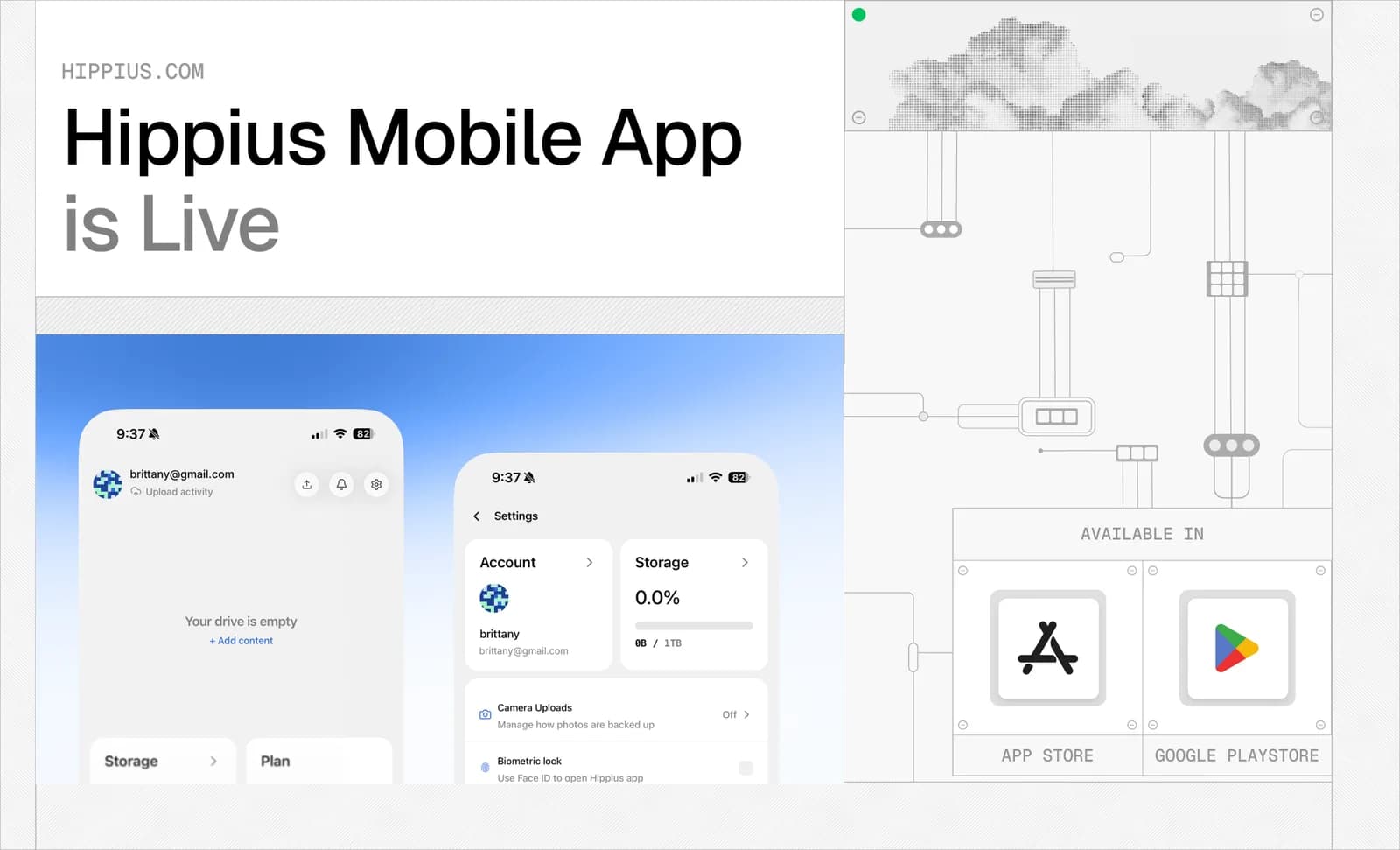
We're excited to announce that the Hippius Mobile app is live today on the App Store and Google Play, bringing the full Hippius Drive to iOS and Android for the first time. It's the same Hippius account behind the desktop app and web console, now in your pocket. Any file syncs and backs up automatically, encrypted on your device before it ever leaves. Plans are month-to-month with no contract, and less than what Dropbox or Google charge for the same amount of storage. If you've been weighing up cloud storage alternatives, or thinking about moving from Dropbox or Google Drive, Hippius now works the same way on every device you use.
What's New in Hippius Mobile
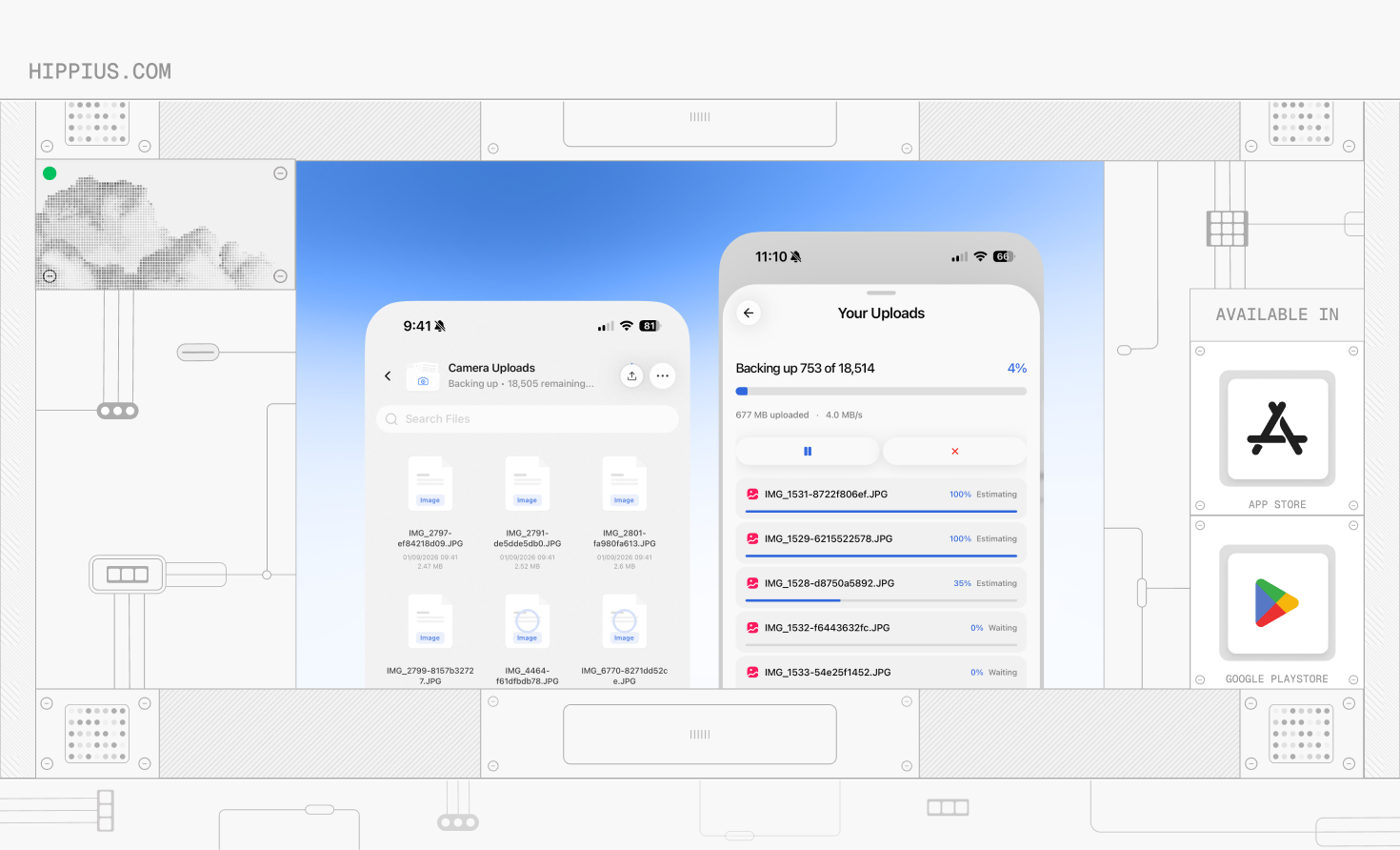
The mobile app brings the core of Hippius Drive to a phone for the first time: full cloud storage for any file, not just photos. Camera Uploads backs up your photos in the background as you take them, sorting everything into images, videos, docs, and more, so you always know what's using space. Files sync the same way they do on desktop: encrypted on your device before upload, so Hippius never sees an unencrypted copy.
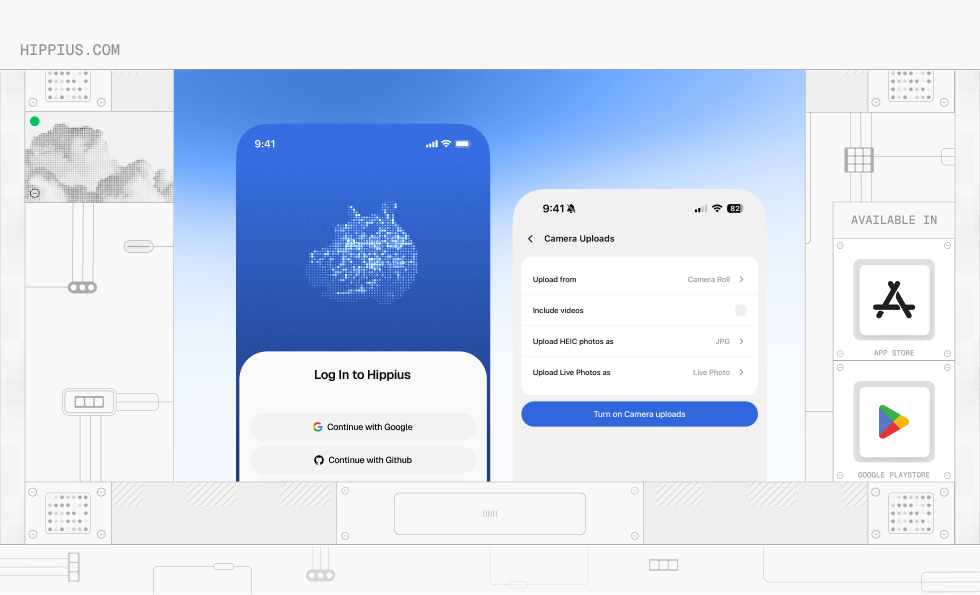
Signing in uses the same options as the web console: Google, GitHub, or an access key.
Why an Encrypted Mobile App Matters
More of daily life is ending up stored somewhere other than the device itself: documents, work files, backups, and camera rolls alike, not just photos. That's part of why anyone weighing up cloud storage alternatives has more options than ever, in a market Fortune Business Insights projects to nearly double in size by the early 2030s.
The trouble is that "somewhere other than the device" usually means trusting a provider's policy rather than checking their work. With Hippius Drive, that trust requirement doesn't apply the same way. Files are encrypted client-side, meaning the encryption happens on your phone before anything reaches Hippius's network. That's a meaningfully different model from services that only encrypt data in transit or at rest on a server, where the provider technically holds the keys. When encryption happens end-to-end like on Hippius, there's no version of events where a provider can hand over readable files. It was never able to read them in the first place.
That's also why signing in for the first time asks for an unlock password, separate from your account login. It protects the key that decrypts your files, and only you ever hold it. Hippius never sees it, so it can't reset or recover it either. The same password unlocks your files on mobile, desktop, and the console.
That separation is more than a technicality. Dropbox disclosed in September 2026 that around 5,000 accounts were compromised after attackers exploited a flaw in a third-party identity integration, gaining account access without ever needing the victims' Dropbox passwords. With Hippius, compromising the sign-in step alone isn't enough. The separate unlock password still stands between an attacker and your files, and Hippius doesn't hold a copy of it to hand over even if asked.
That's also what separates Hippius from a typical Google Photos alternative built purely around convenience. The photos still sync automatically and show up the same way across devices; the difference is what happens to them in between.
Plans and Pricing: Less Than Dropbox or Google Drive
New Hippius accounts get 10 GB free, so there's room to start backing up right away. From there, paid plans are month-to-month, with no long-term contract. Plans start as low as $4 per month. See full pricing here.
At the 2 TB mark (the tier most people land on), Hippius is $7 per month. That's 30% less than Dropbox and Google's 2 TB plan, which are both listed at $9.99/month.
Plans and credits themselves are managed from the web console at console.hippius.com. Sign in there to pick a plan or add credits, and it applies everywhere, mobile and desktop included, since it's all the same account.
Getting Started
Setting up Hippius Mobile takes a few minutes:
- Download Hippius from the App Store or Google Play.
- Sign in with Google, GitHub, or an access key, and set an unlock password when prompted. Keep it safe, since only you hold it and Hippius can't reset it.
- Choose "Set up camera uploads" for automatic backup, or "Manually select photos" if you'd rather pick what syncs.
- Check Settings if you want to adjust Wi-Fi-only uploads, video backup, or photo format. The defaults work fine for most people.
Everything that syncs shows up in the same account on the desktop app and the web console at console.hippius.com, so a photo backed up from your phone on the way home is already there by the time you're back at a laptop.
Common Questions About Hippius Mobile
What makes Hippius one of the best cloud storage alternatives?
It's encrypted on your device before anything uploads, not just at rest on a server. And it covers any file type, not only photos: documents, videos, and camera rolls all sync the same way, under one account shared with the desktop app and web console.
How do I back up photos from my iPhone automatically?
Install Hippius from the App Store, sign in, and turn on Camera Uploads in Settings. New photos back up in the background from then on, and you can choose whether that only happens over Wi-Fi.
How much does Hippius cost compared to Dropbox or Google Drive?
Less, at the same storage size. A 2 TB Hippius plan is $7/month with no contract, versus around $9.99/month for Dropbox's or Google's 2 TB plans. Each plan scales in the same pattern (whereby Hippius is more affordable), plus you get 10 GB for free to start with Hippius.
Can I upgrade my storage plan from the mobile app?
Not directly in the app. You need to head to console.hippius.com to pick a plan or add credits, and then it applies to your account everywhere, mobile included.
Final Thoughts
Hippius Mobile is live: the full Hippius experience, now in your pocket. It brings the same encrypted storage that's been available on desktop to iOS and Android, for any file, with automatic photo backup built in. It's one more surface on the same account, not a separate product to manage.
Download Hippius from the App Store or Google Play to get started, or visit hippius.com to learn more about the full Hippius platform first.
About Hippius
Hippius is a distributed cloud platform built to give users a verifiable alternative to providers like AWS and Google Cloud. Files are encrypted and distributed across an independent network rather than held in a single provider's data center. Every storage claim, payment, and miner action is recorded on Hippius's own blockchain, so instead of asking users to trust the platform, Hippius lets them check it for themselves. On top of that foundation sits a full product suite: personal cloud storage, S3-compatible object storage with no egress fees, confidential compute on secure hardware, and a container and model registry for AI. Hippius runs as Subnet 75 on Bittensor and was built by The Nerve Lab.
Website | Discord | Twitter | LinkedIn | Docs | Blog | Forum | Github