Updated 3 November 2026. For zero-knowledge encryption on every file at the lowest monthly price, Hippius Drive costs $7 a month for 2 TB, against $9.99 for iCloud+ 2 TB with Advanced Data Protection turned on; Tresorit suits business sharing and compliance, MEGA has the largest free tier at 20 GB, and Proton Drive bundles storage with encrypted mail and VPN. Hippius Drive has no iPhone app yet, and as with every zero-knowledge service, losing both your password and your recovery seed means your files cannot be recovered.
| Service | Security | Free storage | About 2 TB per month | iPhone app | Best for | Checked |
|---|---|---|---|---|---|---|
| Hippius Drive | ✅ Zero-knowledge, every file | 10 GB | $7 (2 TB) | Coming soon | Encrypted files, laptop backup and photos at a low monthly price | 3 Nov 2026 |
| Proton Drive | ✅ Zero-knowledge, every file | 5 GB | $19.99 (2 TB, 2 users) | Yes | Storage bundled with encrypted mail and VPN | 3 Nov 2026 |
| Sync.com | ✅ Zero-knowledge, every file¹ | 5 GB | $16 (1 TB) or $32 (5 TB)² | Yes | Large plans with encryption on by default | 3 Nov 2026 |
| Tresorit | ✅ Zero-knowledge, every file | 3 GB | $13.99 (1 TB) | Yes | Business sharing and compliance | 3 Nov 2026 |
| Internxt | ✅ Zero-knowledge, every file | 1 GB | €19.99 (2 TB, annual plan)³ | Yes | Open-source apps and an EU base | 3 Nov 2026 |
| MEGA | ✅ Zero-knowledge, every file | 20 GB | €9.99 (3 TB) | Yes | The largest free tier | 3 Nov 2026 |
| pCloud | ⚠️ One folder, paid add-on | Up to 10 GB | $9.99 + $4.99 for encryption (2 TB) | Yes | Lifetime plans | 3 Nov 2026 |
| iCloud | ⚠️ Opt-in (Advanced Data Protection) | 5 GB | $9.99 (2 TB) | Built in | iPhone and Mac users | 3 Nov 2026 |
| Google Drive | ❌ Google holds the keys | 15 GB | $9.99 (2 TB) | Yes | Google and Android users | 3 Nov 2026 |
✅ the provider can't read your files; ⚠️ only some files, or opt-in; ❌ the provider holds the keys. Monthly billing on the plan nearest 2 TB, at US list prices unless shown in euros. Notes on each service's figures are at the end of this post.
Table of Contents
- What makes cloud storage secure?
- What to check in a secure cloud storage service
- Secure cloud storage services compared
- Which cloud storage is zero-knowledge?
- Is Google Drive, Dropbox or iCloud secure?
- What does 2 TB cost on each service?
- Moving your files to secure storage
- Common questions about secure cloud storage
- The bottom line
- About Hippius
What makes cloud storage secure?
Secure cloud storage comes down to one question: can the provider read your files? Every service in this list encrypts files in transit and on its disks. The difference is who holds the key.
Encrypted cloud storage protects files in transit and on the provider's disks with keys the provider holds; zero-knowledge storage encrypts files on your device, so the provider never has the key. With the first kind, your privacy rests on the provider's policy and its staff. With the second, the provider stores scrambled data it has no way to open, which is why zero-knowledge is also called end-to-end or client-side encryption.
Zero-knowledge is not all-or-nothing in practice. Some services encrypt the whole account by default, some only a special folder you pay extra for, and some only when you switch it on. The table above states which is which.
There is one trade-off with every zero-knowledge service. Because the provider never holds your key, it cannot reset it for you. Lose the password and the recovery key, and nobody can open your files again.
What to check in a secure cloud storage service
- Who holds the keys. If the provider can reset your password and get your files back, it holds the keys.
- Whole account or one folder. Encryption that only covers a special folder leaves the rest of your files readable by the provider.
- Sharing and previews. Check whether shared links and file previews stay encrypted, or are decrypted on the provider's servers to work.
- Audits and open-source clients. Independent reviews matter. In 2024, researchers at ETH Zurich published a study of five end-to-end encrypted services and found design weaknesses in Sync, pCloud, Icedrive and Seafile under a compromised-server model, with Tresorit showing the fewest. It is worth asking how a provider responded to findings like these.
- Where the data is stored, and under which law. Switzerland, the EU, Canada and the US all treat data requests differently.
- The platforms you need. Several zero-knowledge services have no Linux app, and one has no iPhone app yet.
- What happens if you forget your password. A recovery seed or recovery key is the usual answer. Write it down offline.
Secure cloud storage services compared
Hippius Drive
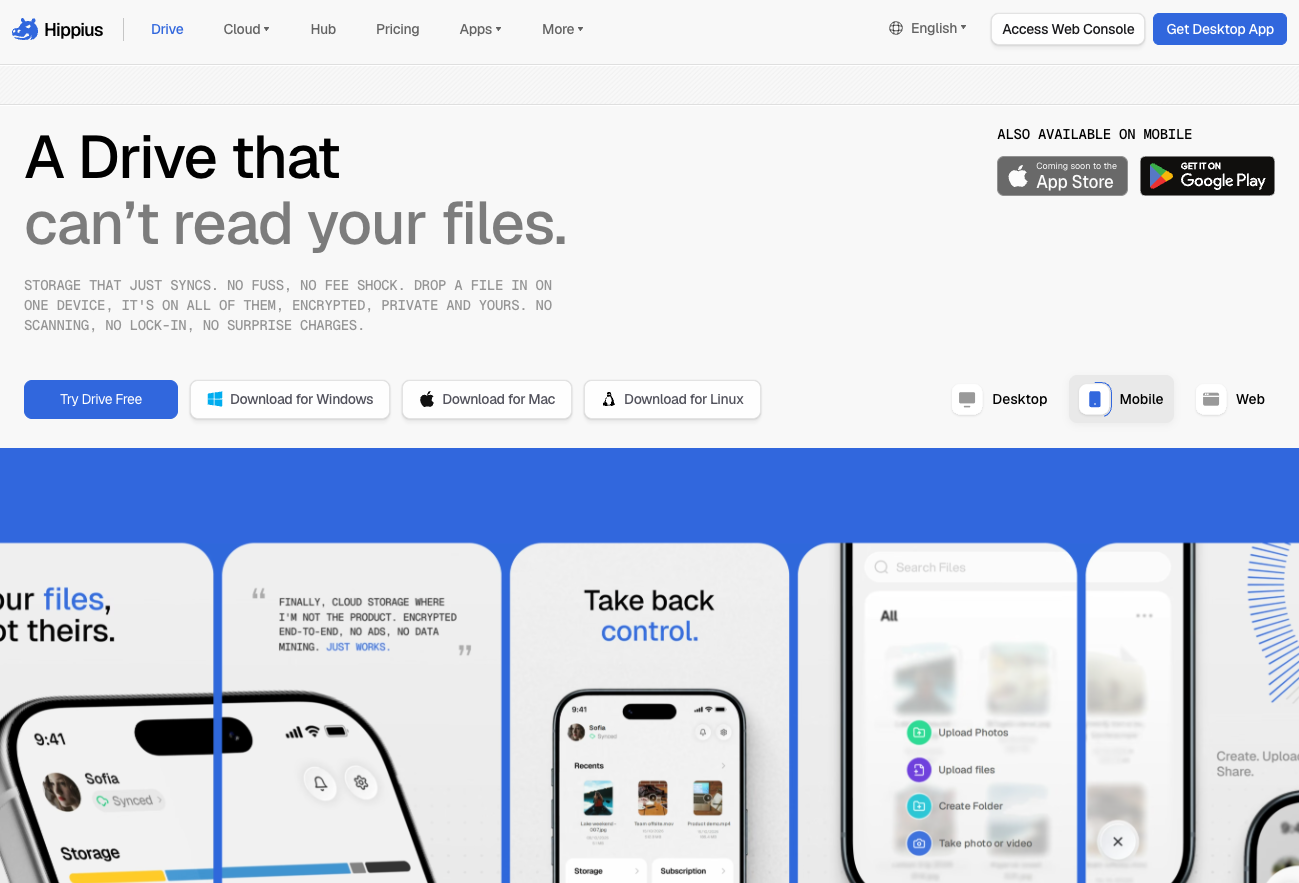
Hippius Drive is encrypted cloud storage where every file is encrypted on your device before it uploads, so Hippius stores ciphertext and never holds a key it could hand back. Your files are encrypted with a key that comes from a 12-word recovery seed, and an unlock password seals that seed. The full reasoning is in our guide to zero-knowledge encryption.
Drive runs on Arion, the storage engine Hippius built from scratch in Rust. Arion splits each file into 30 pieces with Reed-Solomon erasure coding and stores them on independent machines. Any 10 pieces rebuild the file, so 20 can go offline and nothing is lost, and missing pieces are repaired automatically.
What you get:
- The desktop app for Windows, Mac and Linux syncs any folders you pick and backs up your laptop, encrypted on your computer.
- The Android app backs up your camera roll automatically, encrypted on the phone before upload.
- Files preview in the browser, decrypted on your device.
- Share links work for anyone without an account. Each file link is a fresh encrypted copy with its own key, kept in the part of the URL that browsers never send to a server, with an expiry and an optional password. See encrypted file sharing for shared drives with Viewer, Editor and Manager roles on Plus, Max and Scale.
- An encrypted screen recorder saves screenshots and recordings straight to your Drive with a share link.
Hippius Drive pricing is monthly with no download fees: Free 10 GB with Google, GitHub or Apple sign-in, Starter $4 for 500 GB, Plus $7 for 2 TB, Max $22 for 10 TB and Scale $50 for 25 TB. Cancel and an account signed in with Google, GitHub or Apple drops back to the free 10 GB without deleting files.
What it does not do yet: there is no iPhone app (it is listed as coming soon to the App Store), Hippius has not yet published an independent security audit of Drive, and the web console uploads files up to 100 MB each (the desktop app has no such limit). Hippius Drive is also newer than most of this list. More on the launch is in introducing Hippius Drive.
Proton Drive
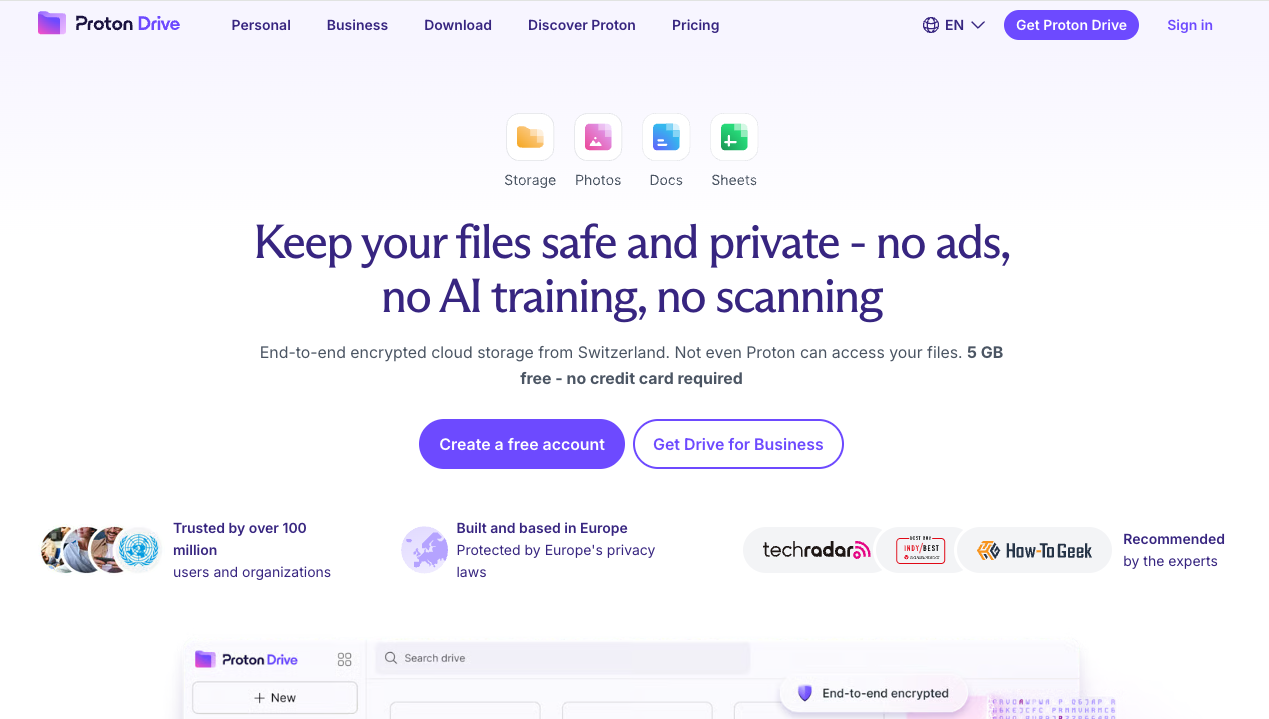
Proton Drive encrypts files and file names on your device, and Proton states it cannot access them. Shared links are encrypted and can carry a password and an expiry. Proton is based in Switzerland, runs its own servers in Switzerland and Germany, publishes its apps and encryption libraries as open source, and cites an audit by Securitum. There is no 2 TB plan for one person: Proton Duo gives 2 TB for two users at $19.99 a month, shared with Proton Mail and bundled with Proton VPN. The free plan is advertised as 5 GB, starting at 2 GB until you complete the setup steps. There is no Linux desktop app, only a command-line tool. It suits people who want encrypted storage, mail and VPN from one Swiss provider.
Sync.com
Sync.com's core storage is end-to-end encrypted by default, with files encrypted before they leave your device. Its privacy policy notes that some features, such as previews, thumbnails and shared links, involve processing on Sync's side, and some of these are on by default and can be switched off in its Privacy Center. There is no 2 TB plan: Personal 1 TB is $16 a month and Solo 5 TB is $32 at regular monthly prices, with 25% off the first year. The free plan is 5 GB. Sync is Canadian-owned, and its current privacy policy says file data is stored in Canada or the United States depending on your data region. There are apps for Windows, Mac, iPhone and Android, while Linux works through WebDAV. It fits people who want large plans with encryption switched on from day one.
Tresorit
Tresorit encrypts every file and relevant metadata on your device on every plan, and says it cannot access your files or keys. It is run by Tresorit AG in Switzerland, stores data by default in Microsoft Azure data centres in Ireland, and points to an Ernst & Young review in 2019 and a third-party penetration test in 2025. The ETH Zurich study found fewer weaknesses in its design than in the other services examined. Personal Essential gives 1 TB at $13.99 a month, and Personal Pro 4 TB; there is no 2 TB plan. The free Basic plan is 3 GB, limited to two devices, and deleted if you do not sign in at least once every 210 days. Apps cover Windows, Mac, Linux, iPhone and Android. It suits professionals and teams who need tight sharing controls and compliance paperwork.
Internxt
Internxt encrypts files on your device before upload on every plan and describes its encryption as post-quantum. It is based in Valencia, Spain, under GDPR, says its code is fully open source, holds ISO 27001 certification and cites a 2024 audit by Securitum. Its prices are in euros and run on annual plans: its help centre lists Premium, with 2 TB, at €19.99 a month on a 12-month plan billed monthly, with an introductory first month. Lifetime plans are also sold. The free plan is 1 GB, the smallest here, and file versioning starts on Premium. Apps cover Windows, Mac, Linux, iPhone and Android. It suits people who want open-source, zero-knowledge storage from an EU company.
MEGA
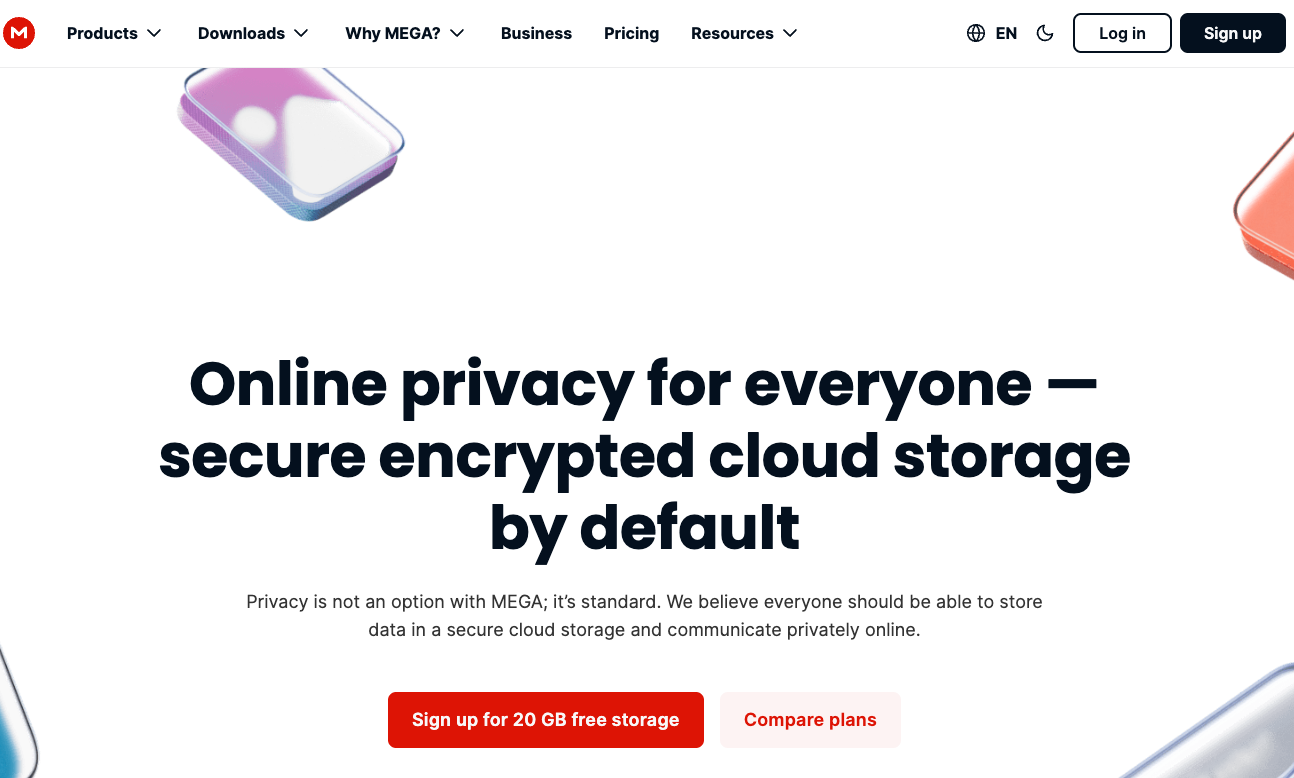
MEGA encrypts and decrypts your data on your own devices and says it never does so itself, across storage, backups, sharing and chat. The free plan is 20 GB, the largest in this comparison, with more available through its achievements programme. MEGA publishes the source code for its apps on GitHub. Paid plans come with monthly transfer quotas, and the nearest plan to 2 TB is Pro I with 3 TB, at €9.99 a month on monthly billing or €8.33 a month charged yearly, billed in euros. MEGA can't reset your password; you need your recovery key. Apps cover Windows, Mac, Linux, iPhone and Android. It is the pick for the most free encrypted space.
pCloud
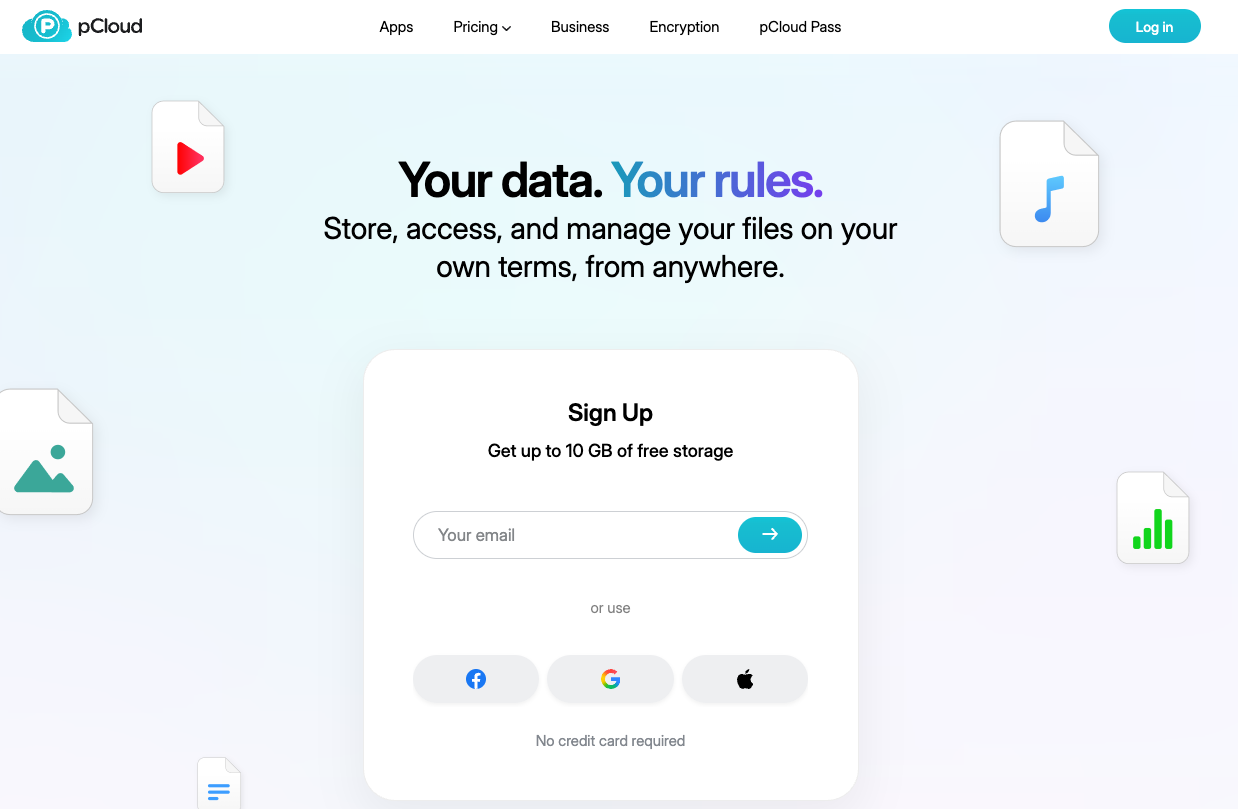
pCloud is not zero-knowledge by default. Client-side encryption covers only the Crypto folder, which comes with the paid pCloud Encryption add-on; files outside it are protected in transit and stored on pCloud's servers. Premium Plus gives 2 TB at $9.99 a month or $99.99 a year, and Encryption adds $4.99 a month. pCloud also sells lifetime plans, currently $499 for 2 TB and $150 for Encryption. It is based in Switzerland, lets you choose a data region in the EU (Luxembourg) or the US (Dallas), and holds ISO 27001 certification. The free plan is up to 10 GB, starting at 2 GB. Apps cover Windows, Mac, Linux, iPhone and Android. It suits people who would rather pay once than every month.
iCloud
By default Apple holds the keys for iCloud Drive and Photos, which lets it help with recovery. Advanced Data Protection, an opt-in setting, extends end-to-end encryption to iCloud Drive, Photos, backups, Notes and more, with keys held on your trusted devices. It needs two-factor authentication, up-to-date software on every signed-in device and a recovery contact or recovery key. Mail, Contacts and Calendars stay outside it, as does content shared with anyone who has the link. iCloud+ 2 TB costs $9.99 a month, billed monthly, and can be shared with up to five family members. The free tier is 5 GB. It is built into iPhone, iPad and Mac, with an app for Windows and no app for Android or Linux. For people already on Apple devices, it is the simplest route to end-to-end encryption.
Google Drive
Google Drive encrypts files in transit and at rest with AES-256, and Google manages the keys by default. Client-side encryption, which Google describes as end-to-end, is available only on Workspace Frontline Plus, Enterprise Plus, Education Standard and Education Plus, with keys held in an external key service the admin chooses. The 2 TB consumer plan, Google AI Plus, costs $9.99 a month and bundles Gemini features. Every Google account gets 15 GB free, shared with Gmail and Photos. There are apps for Windows, Mac, iPhone and Android, and no desktop app for Linux. It suits people who live in Google's apps and want storage alongside them more than zero-knowledge encryption.
Which cloud storage is zero-knowledge?
As of 3 November 2026, Hippius Drive, Proton Drive, Sync.com, Tresorit, Internxt and MEGA encrypt the whole account on your device by default, so the provider does not hold your keys. pCloud is zero-knowledge only inside its Crypto folder, which is a paid add-on. iCloud becomes end-to-end encrypted for Drive and Photos when you turn on Advanced Data Protection. Google Drive and Dropbox offer end-to-end encryption only on business plans: Google through Workspace client-side encryption, and Dropbox through encrypted team folders.
If you need a provider that offers zero-knowledge encryption and does not have access to your keys, any of the six whole-account services fits; the choice then comes down to price, platforms and the extras each one bundles.
Is Google Drive, Dropbox or iCloud secure?
All three encrypt files in transit and on their servers, which protects them from outside attackers. What they share is that, by default, the provider holds the keys.
Google Drive is not end-to-end encrypted on personal accounts as of November 2026; Google encrypts files in transit and at rest and manages the keys, and its client-side encryption is limited to Workspace Frontline Plus, Enterprise Plus, Education Standard and Education Plus.
Dropbox encrypts stored files with 256-bit AES and states that it does not offer client-side encryption for its standard storage. Its encrypted team folders are end-to-end encrypted on business plans, with limits: file names stay visible, and search, previews and shared links do not work in them. There is no end-to-end option on the Basic or Plus plans. Dropbox Plus with 2 TB costs $11.99 a month, or $9.99 a month billed yearly.
iCloud is the exception for personal users. Advanced Data Protection is free to turn on and covers iCloud Drive and Photos, as long as every device you sign in on meets Apple's requirements.
What does 2 TB cost on each service?
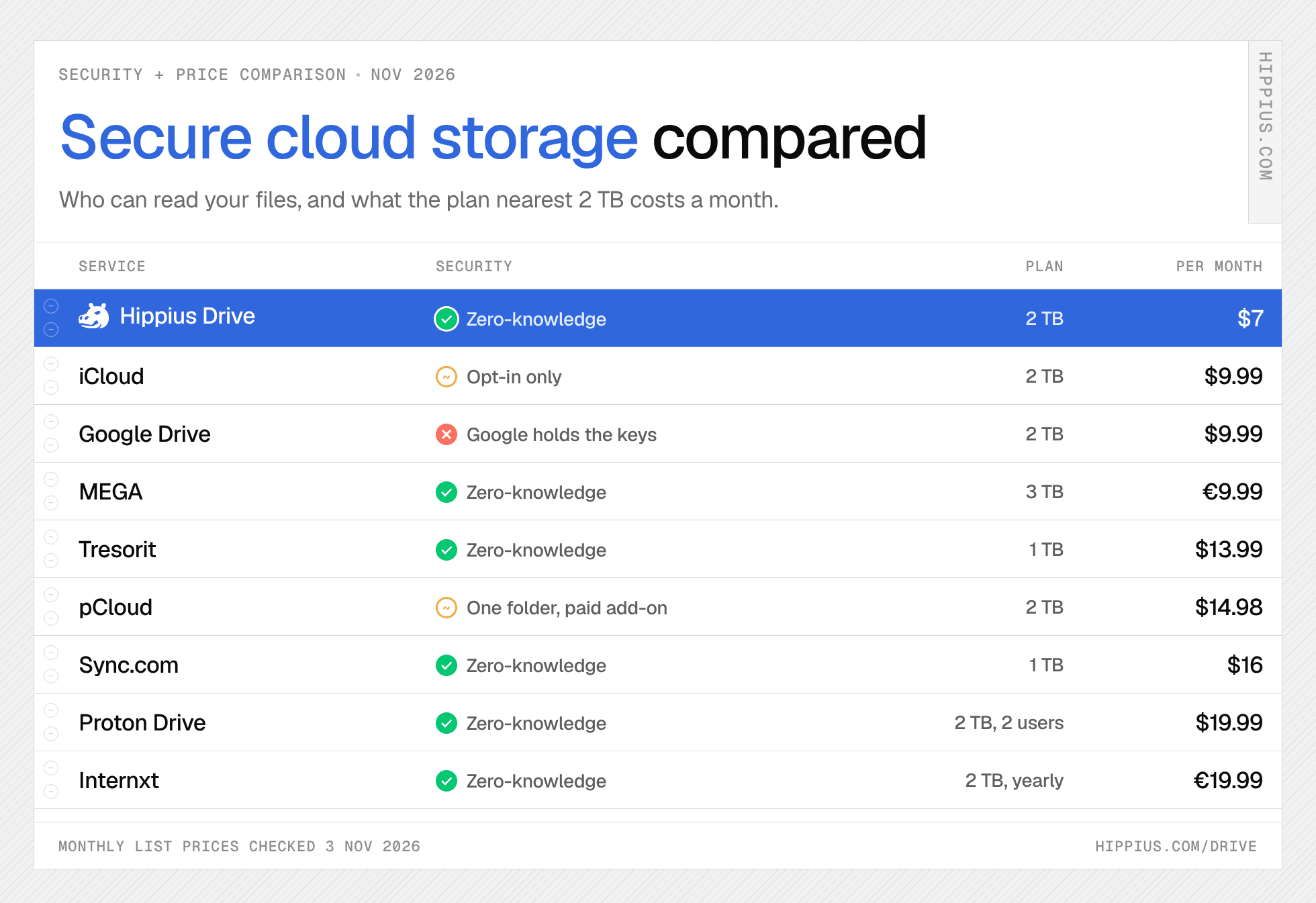
Prices on monthly billing for the plan nearest 2 TB, checked on 3 November 2026:
- Hippius Drive Plus, 2 TB: $7 a month, zero-knowledge.
- iCloud+ 2 TB: $9.99 a month, with no annual option; end-to-end once Advanced Data Protection is on.
- Google AI Plus, 2 TB: $9.99 a month; Google holds the keys.
- pCloud Premium Plus, 2 TB: $9.99 a month, plus $4.99 for the Encryption add-on, so $14.98 for a zero-knowledge folder. Annual billing is $99.99 plus $49.99 a year.
- Dropbox Plus, 2 TB: $11.99 a month, or $9.99 a month billed yearly; Dropbox holds the keys.
- Tresorit Personal Essential, 1 TB: $13.99 a month, or $11.99 a month billed yearly.
- Sync.com Personal 1 TB / Solo 5 TB: $16 / $32 a month at regular prices, $12 / $24 in the first year.
- Proton Duo, 2 TB for two users: $19.99 a month.
- Internxt Premium, 2 TB: €19.99 a month on an annual plan billed monthly.
- MEGA Pro I, 3 TB: €9.99 a month, or €8.33 a month charged yearly.
As of 3 November 2026, the cheapest zero-knowledge cloud storage for 2 TB on monthly billing is Hippius Drive Plus at $7 a month, followed by iCloud+ 2 TB at $9.99 with Advanced Data Protection turned on. Paying once can work out cheaper over several years: pCloud sells 2 TB for life at $499, plus $150 for its Encryption add-on, and Internxt also sells lifetime plans.
Moving your files to secure storage
Moving from Google Drive, Dropbox or iCloud to Hippius Drive takes three steps:
- Download your files from your current provider to a folder on your computer.
- Install the Hippius desktop app, sign in, and add that folder to sync. The app encrypts and uploads each file, without the browser's 100 MB limit.
- On Android, turn on Camera Uploads so new photos and videos back up automatically.
Links you shared from your old provider stay with that provider, so create new share links in Hippius Drive for the files people still need, then delete the old links once your files are safely across.
Common questions about secure cloud storage
What is the most secure cloud storage?
There is no single most secure cloud storage in 2026, but as of 3 November 2026 Hippius Drive, Proton Drive, Sync.com, Tresorit, Internxt and MEGA encrypt the whole account on your device by default, so the provider cannot read your files. Among them, Tresorit points to independent reviews going back to 2019, and Hippius Drive is the cheapest on monthly billing at $7 a month for 2 TB.
Which cloud storage is end-to-end encrypted?
Hippius Drive, Proton Drive, Sync.com, Tresorit, Internxt and MEGA are end-to-end encrypted by default on every plan. pCloud offers it in a paid Crypto folder, and iCloud offers it as the opt-in Advanced Data Protection setting.
What is zero-knowledge cloud storage?
Zero-knowledge cloud storage encrypts your files on your device before they upload, so the provider stores only scrambled data and never holds the key to open it. The provider cannot read your files, and it cannot reset your password for you either.
Is private cloud storage the same as secure cloud storage?
Not quite. "Private cloud" often means storage you run yourself, on your own server or a NAS. This post covers hosted services where the provider can't read your files because they are encrypted on your device first, which gives you similar privacy without running the hardware.
What happens if I forget my password?
On a zero-knowledge service, the provider cannot reset it. You recover access with the recovery key or seed you saved when you set up the account. On Hippius Drive, your 12-word recovery seed lets you set a new unlock password; lose both and the files cannot be recovered by anyone.
Is there free secure cloud storage?
Yes. As of 3 November 2026, MEGA offers 20 GB free, Hippius Drive 10 GB with Google, GitHub or Apple sign-in, Proton Drive and Sync.com 5 GB, Tresorit 3 GB and Internxt 1 GB, all zero-knowledge. iCloud's free 5 GB can be end-to-end encrypted with Advanced Data Protection.
The bottom line
Secure cloud storage is about who holds the key. Six services in this comparison encrypt the whole account on your device by default, and the right one depends on what you need around it: Tresorit for business compliance, Proton for a privacy bundle, MEGA for free space, and Hippius Drive for 2 TB of zero-knowledge storage at $7 a month. Try Hippius Drive free with 10 GB and no payment details.
Notes on the figures. All prices were checked on 3 November 2026 on monthly billing, before tax. Hippius Drive: pricing. Proton Drive: Drive pricing and security. ¹Sync.com: end-to-end by default per its privacy policy, which also describes server-side processing for some preview, thumbnail and link features. ²Sync.com individual pricing shows a 25% first-year discount; regular monthly prices are given in the table. Tresorit: personal pricing, $13.99 a month on monthly billing or $11.99 billed yearly. ³Internxt: prices in euros from its help centre; Internxt sells annual and lifetime plans. MEGA: pricing, Pro I at €9.99 a month on monthly billing, charged in euros. pCloud: pricing and Encryption. iCloud: iCloud+ plans and Advanced Data Protection. Google: Google One plans and client-side encryption. Dropbox: plans and how security works.
About Hippius
Hippius is a distributed cloud platform built to give users a verifiable alternative to providers like AWS and Google Cloud. Files are encrypted and distributed across an independent network rather than held in a single provider's data center. Every storage claim, payment, and miner action is recorded on Hippius's own blockchain, so instead of asking users to trust the platform, Hippius lets them check it for themselves. On top of that foundation sits a full product suite: personal cloud storage, S3-compatible object storage with no egress fees, a CDN that serves stored files from the edge, confidential computing on secure hardware, and a container and model registry for AI.
Website | Discord | Twitter | Docs | Blog | Medium | Forum | Github | LinkedIn